
TURN RAW DATA INTO ACTIONABLE INTELLIGENCE
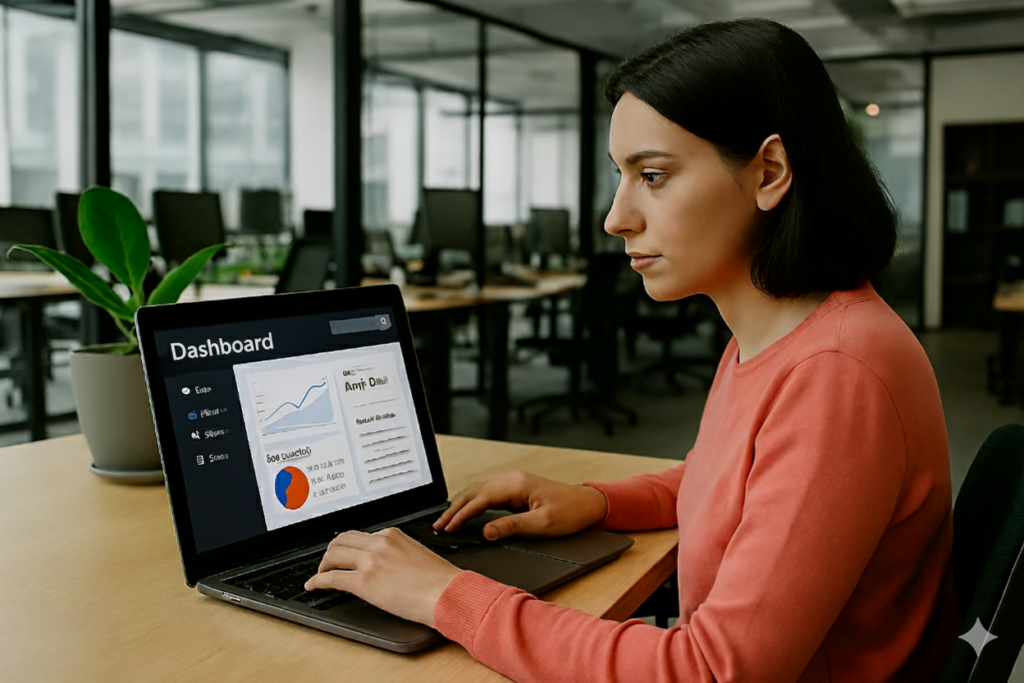
Empower your leadership with a digital command center. Our custom dashboards move your data out of the shadows of spreadsheets and into the light of clear, real-time visual intelligence.

Drill-Down Capabilities: Don’t just see the total; click into any chart to see the underlying data points for deep-dive analysis.
Automated Data Refreshes: Say goodbye to manual exports. Your data syncs automatically on a schedule or in real-time.
Cross-Platform Accessibility: View your insights on a desktop, tablet, or mobile device—perfect for executives on the go.
Role-Based Security: Ensure the right people see the right data with custom permissions and secure login protocols.
